Your prices, not someone else’s
A quote is only right if it’s built on your hourly rate and your markup. In robot Plan each item is priced from its labour hours and material cost — change your rate and every item re-prices.
Electrical quoting software
robot Plan is quoting software for electricians. Tap items from your own price list, send the quote as a link, and the customer accepts and signs on their phone — then it becomes the job.
Free to join. Business tools free for 30 days — no card. Built in Sydney by robot, an electrical business.
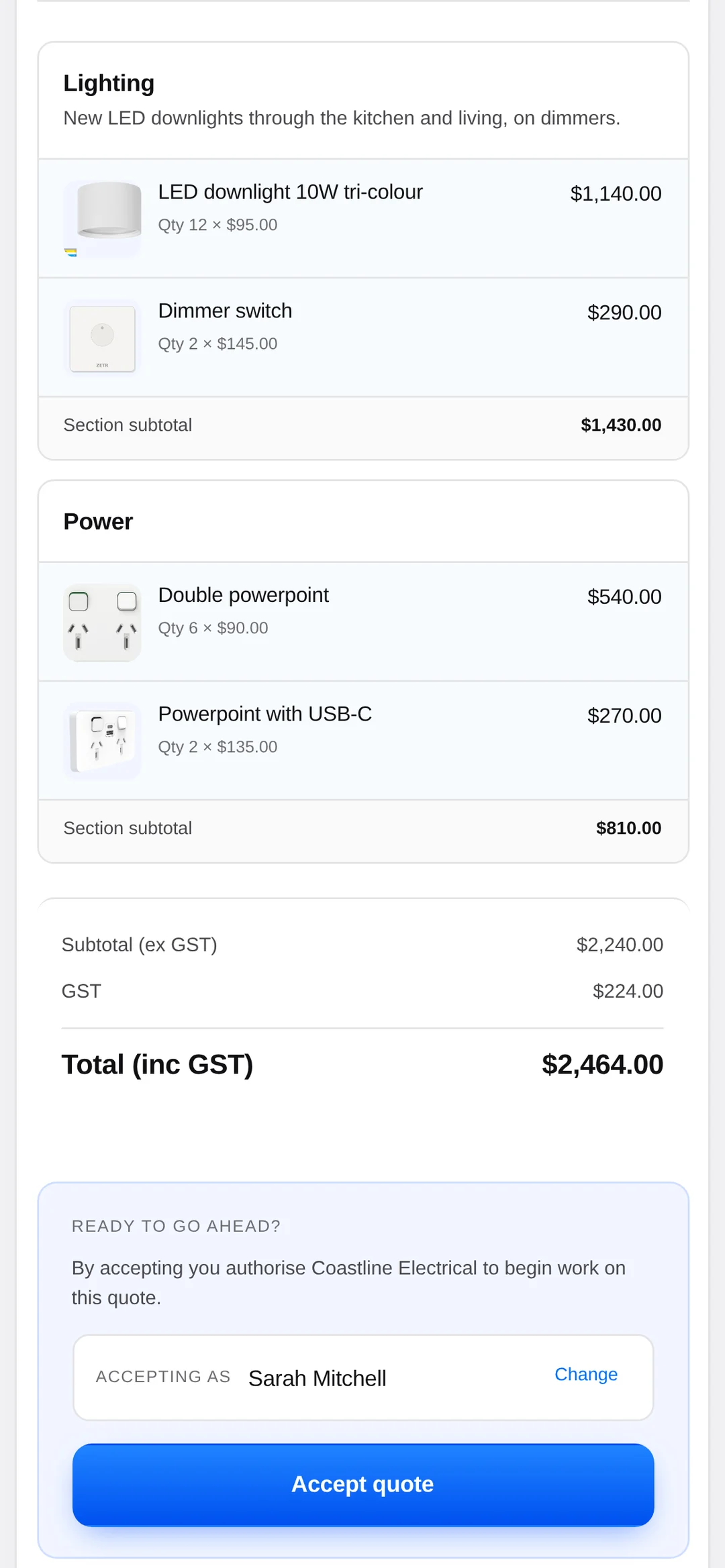
A quote is only right if it’s built on your hourly rate and your markup. In robot Plan each item is priced from its labour hours and material cost — change your rate and every item re-prices.
Putting in a new power point is not the same job as swapping one. Each product carries its own New install and Replace price, so you tap the right one.
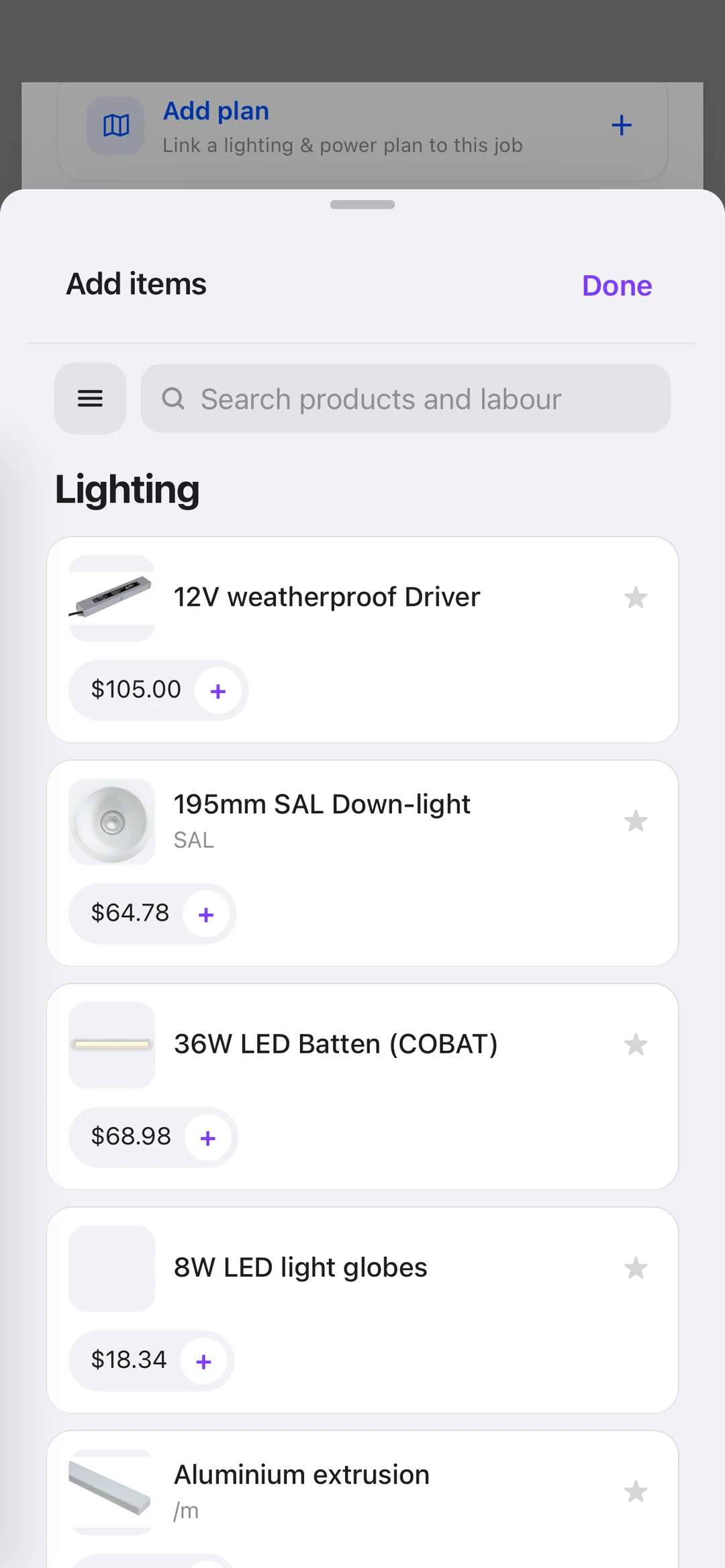
If quoting waits until you’re home, some never get sent. Search understands trade shorthand like gpo, dl and rcd, and adding an item is one tap.
A PDF needs printing and signing. A robot Plan quote is a live link — the customer reads it on their phone, unticks optional extras, and signs.
Your logo, your photos and video of the job, a scope written in plain English. There’s a button that writes the scope from the items for you.
The yes should start the job. An accepted quote becomes a job card, and invoices for each payment stage land in Xero or QuickBooks.
Works with
 Xero
 QuickBooksStripeApple PayGoogle Pay
 ServiceM8

It’s a tool that builds a priced, branded quote from your own price list, sends it to the customer and records their acceptance. Good quoting software also carries the accepted quote into the job and the invoice so nothing is typed twice.
Yes. Everything is priced from your Pricing Library — your hourly rate, your material costs and your markup. You can import an existing price list from a spreadsheet.
They open the link you send by text or email, read the quote on their phone, untick any optional items they don’t want, and sign. You’re notified straight away.
Yes. Upload the plan, tap where the lights, switches and power points go, and one tap turns it into a quote at your rates. A plan is optional — everyday jobs are quoted straight from the price list.
Yes — it’s built for the phone first. There’s an iPhone app on the App Store, and it runs in any web browser on Android, iPad and desktop with the same login and the same data.
Joining is free — the community and all the training cost nothing, and you can make plans and quotes with limits. The business tools are free for 30 days with no card, then it’s one subscription with unlimited users. Current pricing is on the pricing page.
Book a call
Book 15 minutes with the robot team. Bring a job you’ve quoted recently and we’ll build it together.
Pick a day
Pick a time
Checking Jacob’s calendar…
15 minutes · Jacob calls you · times shown in Sydney time