It has to work from the van
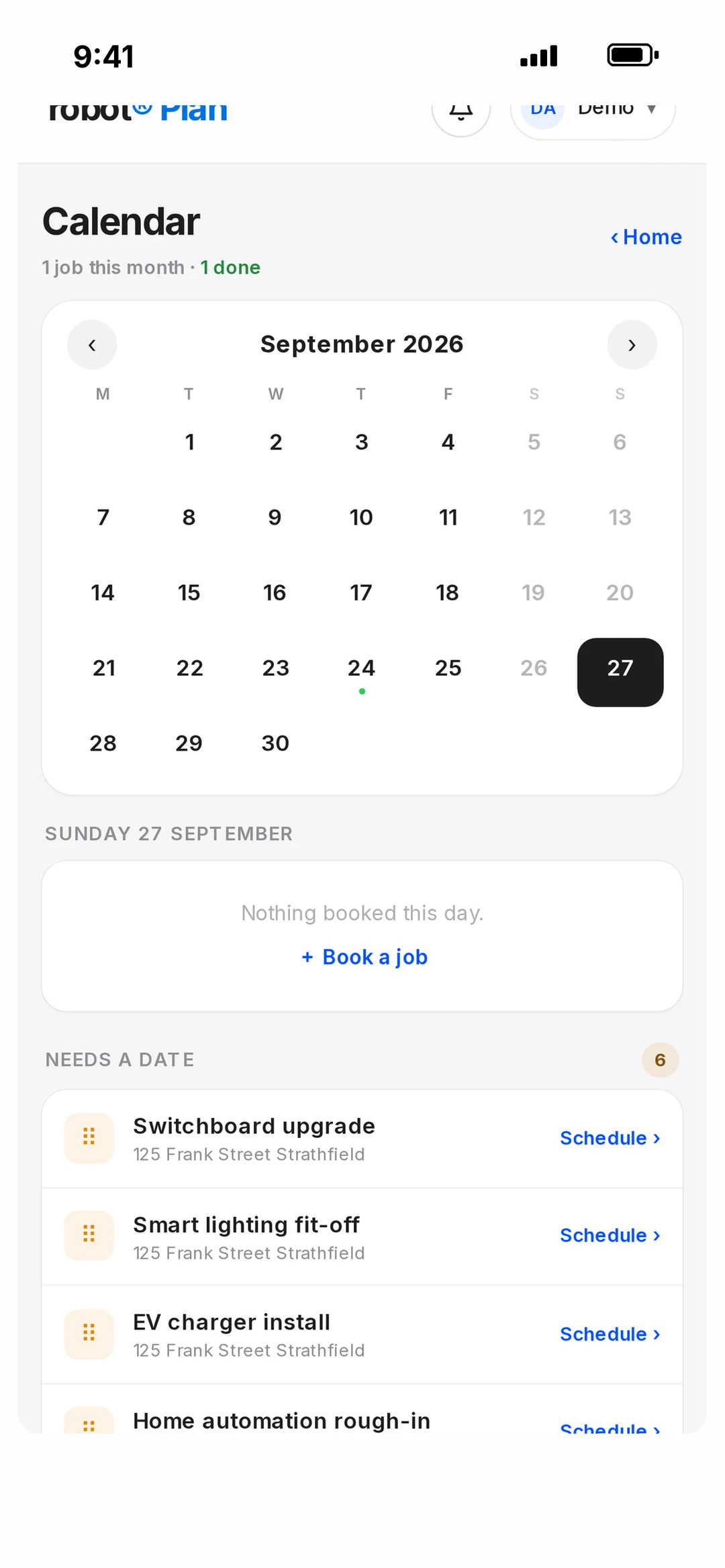
If it only works properly at a desk, the paperwork still happens at 9pm. Every screen in robot Plan is built for the phone first — the job card, the calendar, the invoice.
Job management software for electricians
robot Plan is job management software built by a working electrical business. The quote becomes the job, the crew sees the day, the customer gets told, and the invoice gets paid — all from your phone.
Free to join. Business tools free for 30 days — no card. Built in Sydney by robot, an electrical business.
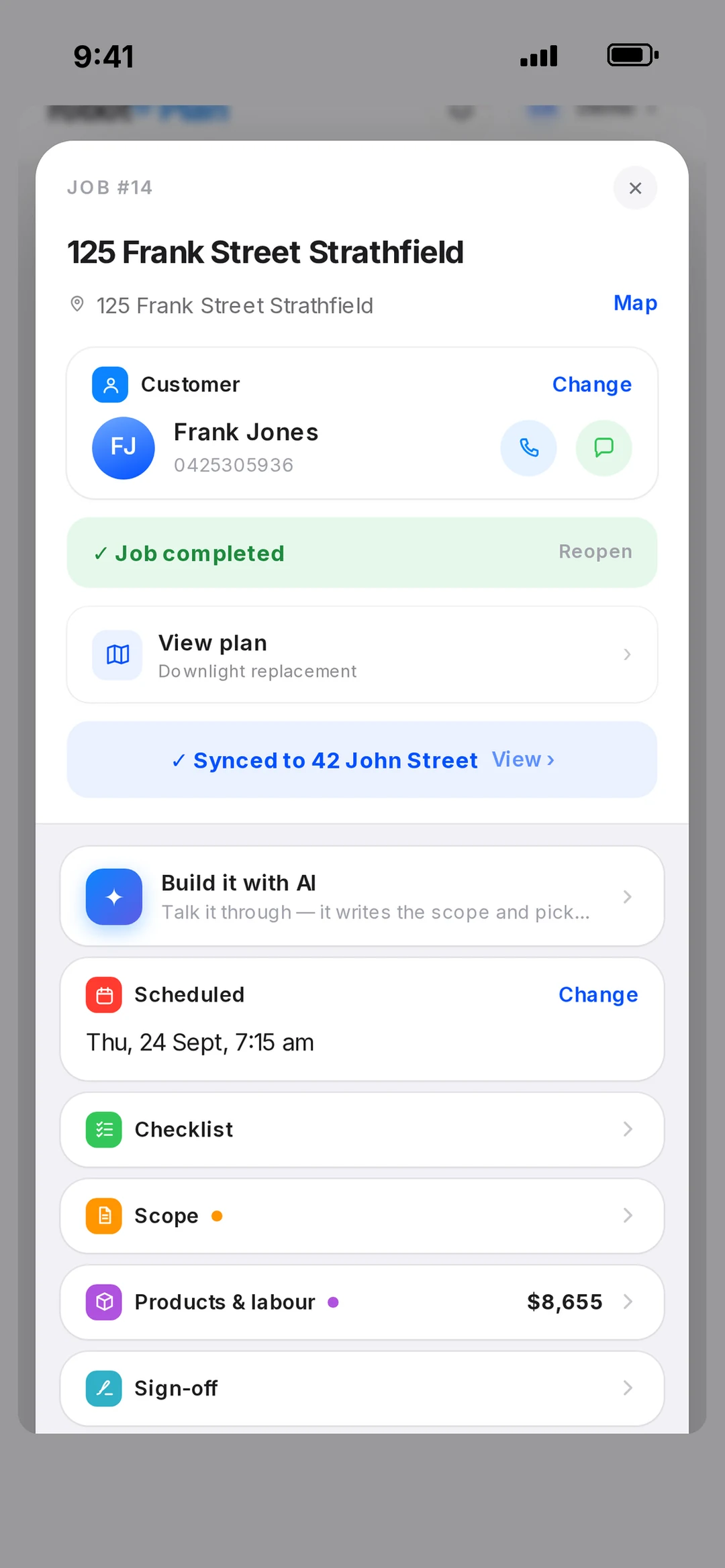
If it only works properly at a desk, the paperwork still happens at 9pm. Every screen in robot Plan is built for the phone first — the job card, the calendar, the invoice.
The customer, scope and price should flow from quote to job to invoice. In robot Plan an accepted quote becomes the job on its own, and the invoice is one tap from the job card.
Paying per user punishes you for growing. robot Plan includes unlimited users, with roles so an employee sees their own jobs and an apprentice sees no prices.
Most calls to a sparky are “are you still coming?”. Booking confirmations, reminders, on-my-way and running-late texts go by themselves.
You need to know if the job made money. Supplier bills are read and matched to the job, hours are tracked, and Profit & Loss shows per job and per month.
Invoices should land in your accounting without re-keying. robot Plan syncs with Xero or QuickBooks Online, and paid invoices are marked paid in both.
Works with
 Xero
 QuickBooksStripeApple PayGoogle Pay
 ServiceM8

It’s one system that holds the whole job: the quote, the booking, who’s on it, what was used, the invoice and the payment. Instead of a diary, a notes app, a quoting tool and an invoicing tool, the job lives in one place from the first call to the money landing.
As many as you like — unlimited users are included. Owners, admins, project managers, employees and apprentices each see what their role allows.
Yes, either one. Invoices sync to Xero or QuickBooks Online, and payments made in either come back as paid.
Yes. Customers import from Xero or QuickBooks, and your price list imports from a spreadsheet (CSV) into the Pricing Library.
Yes — it’s built for the phone first. There’s an iPhone app on the App Store, and it runs in any web browser on Android, iPad and desktop with the same login and the same data.
Joining is free — the community and all the training cost nothing, and you can make plans and quotes with limits. The business tools are free for 30 days with no card, then it’s one subscription with unlimited users. Current pricing is on the pricing page.
Book a call
Book 15 minutes with the robot team. Tell us how your week actually works and we’ll show you how it would look on the calendar.
Pick a day
Pick a time
Checking Jacob’s calendar…
15 minutes · Jacob calls you · times shown in Sydney time