Quote software
Quote it from the van.
Win it before you’re home.
A proper branded quote in minutes, priced from your own price book. The customer taps to accept and sign — and your deposit invoice is already waiting.
No plan needed for everyday jobs. Founding price — locked in for as long as you stay. New-signup pricing rises in 2027.
Loaded on day one
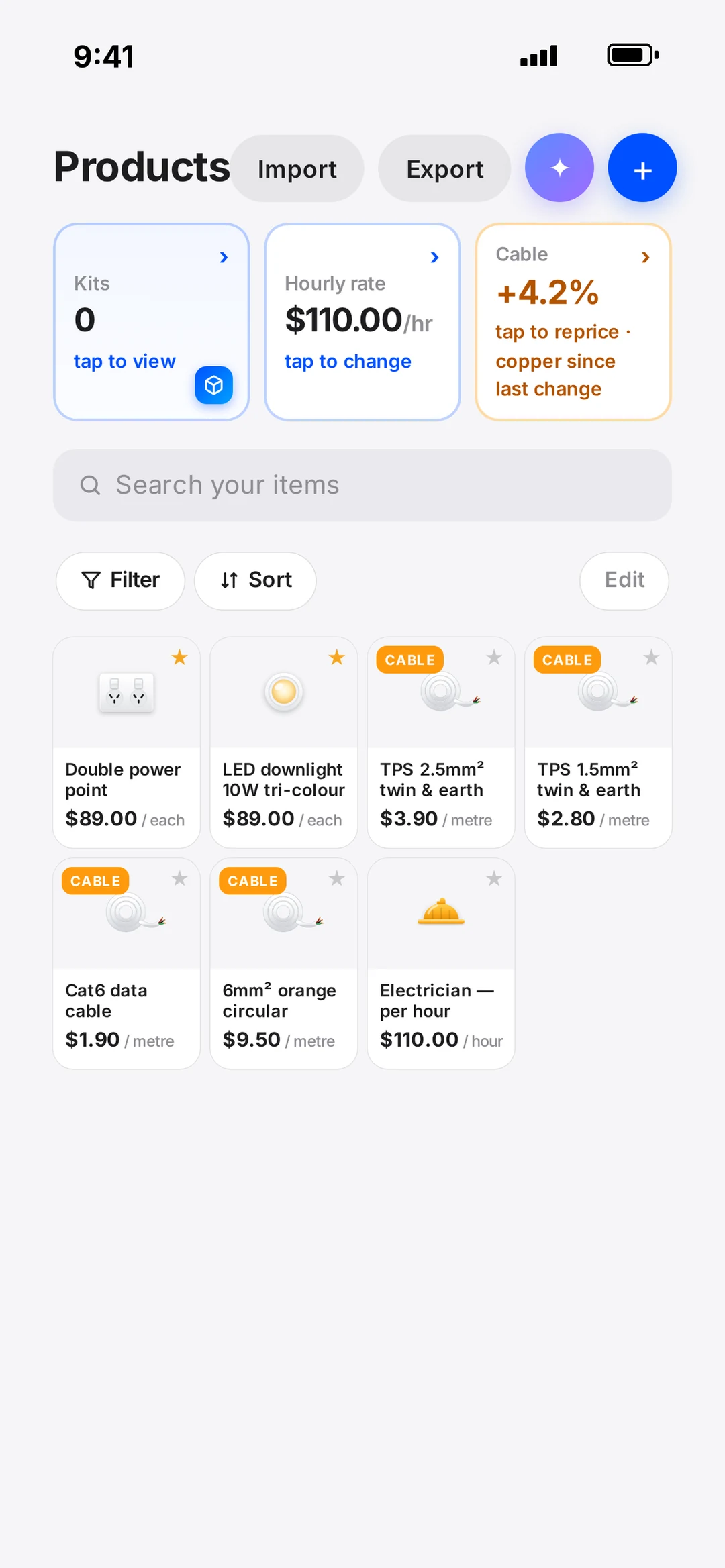
An electrical price list, already in the app — at your charge rates.
robot Plan comes loaded with hundreds of electrical items, each with different charge rates: an install price and an hourly price, built from labour minutes at your hourly rate plus material at your markup. Change your hourly rate once and the whole list re-prices — nothing to go back and fix.
Install and Replace prices on every item. Section setup charges. Kits for the jobs you do every week. Or import your own list by CSV.
Copper integration
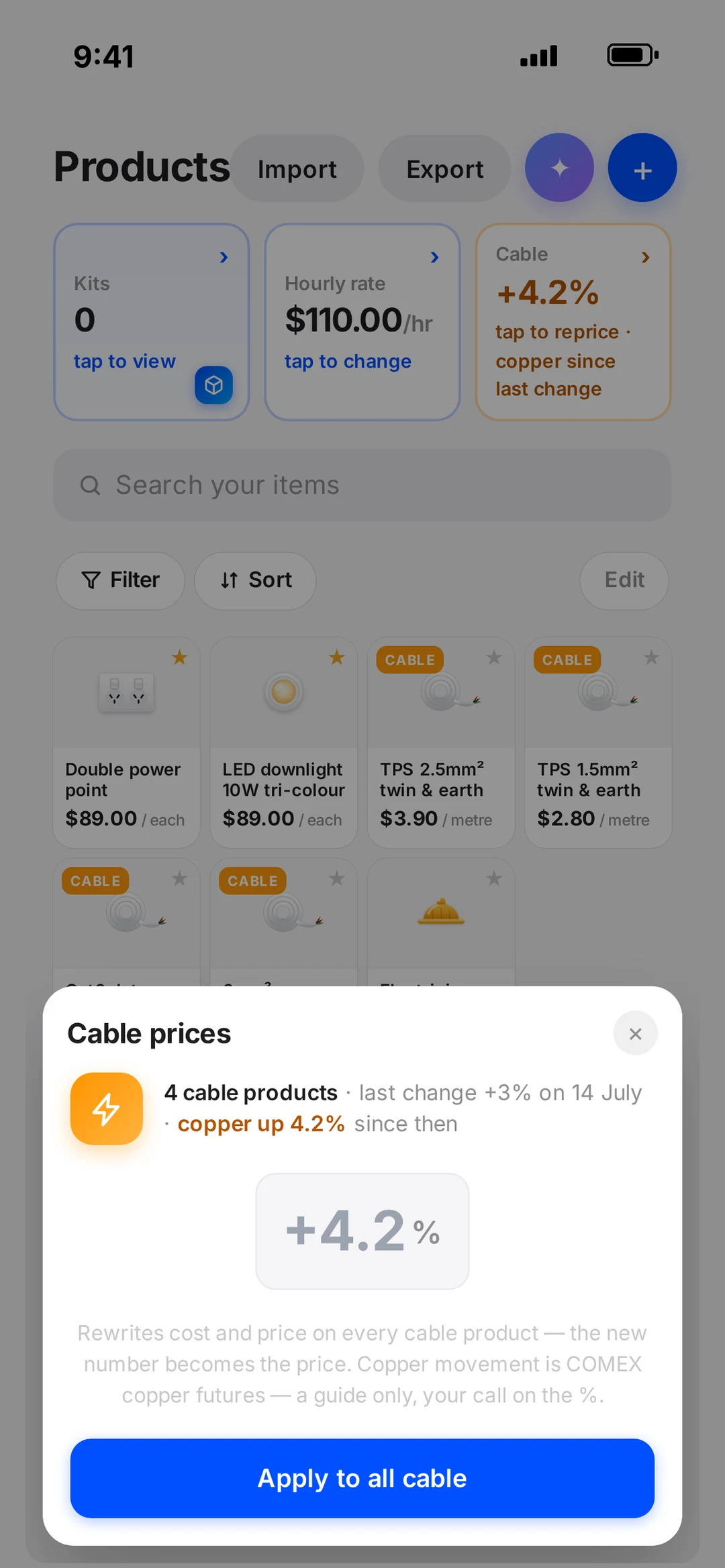
Copper goes up. Your prices go up. One tap.
The app tracks the copper market and shows how far it has moved since you last adjusted. When it jumps, tap once and every cable price in your list lifts by that percentage — your margin holds without a spreadsheet. Brands work the same way: each item carries its brand options, so swapping Iconic for Saturn across a whole section is one tap too.
Increase your prices easily, whenever the market or your costs move.
Write with AI
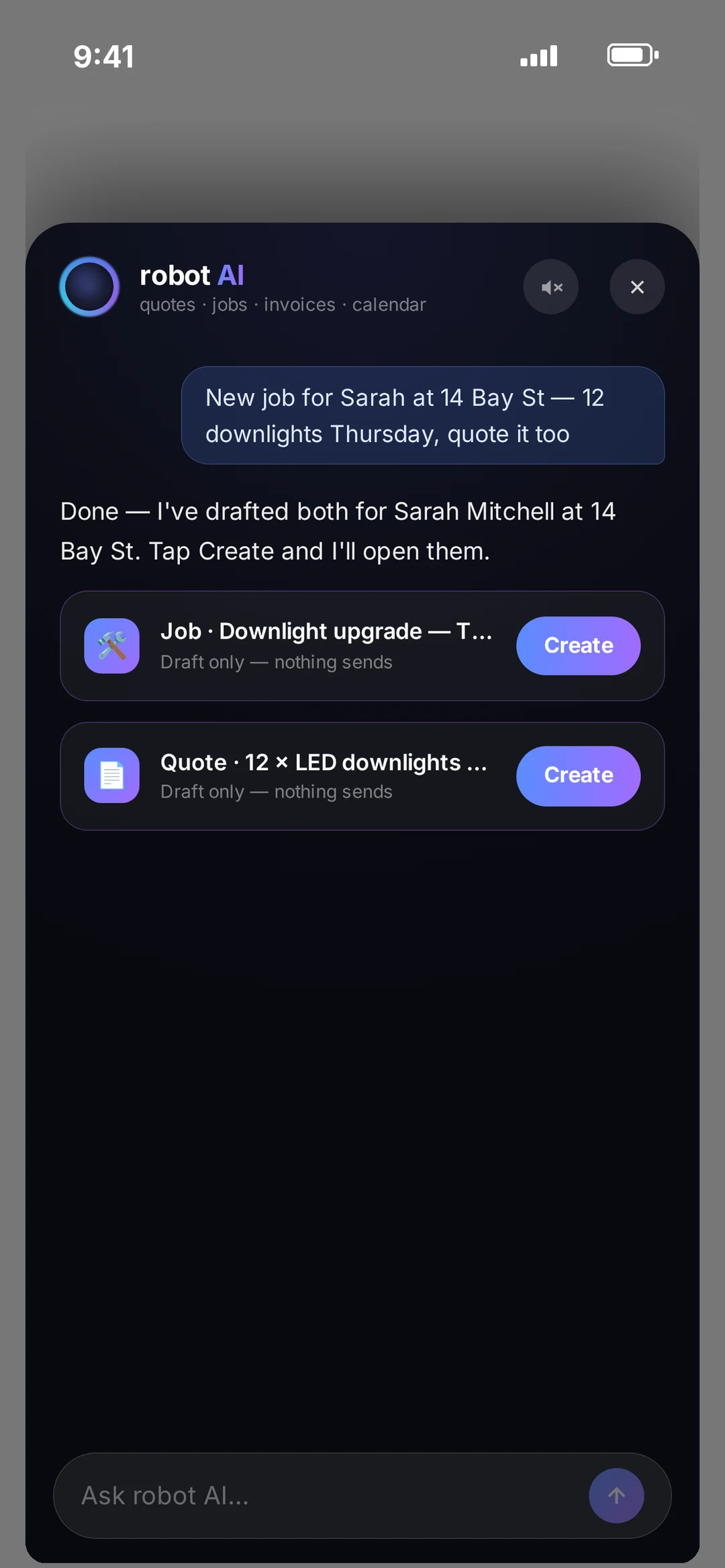
Say the job out loud. It drafts the quote — from your book.
Talk the job through and robot AI drafts the lines from your price book only. It never invents a price and never writes one. You check it, tweak it, send it.
Site photos and a short video go on the quote, so the customer sees the exact wall you’re talking about.
They tap to accept
A live quote the customer opens on their phone.
Not a PDF lost in an inbox. A branded web page with your logo, optional add-ons they can tick, a promotion if you’ve set one — and a button to accept and e-sign. Totals update as they tick.
Your phone tells you when it’s opened (“opened 7 times” is a good sign) and the second it’s accepted.
The yes is the start
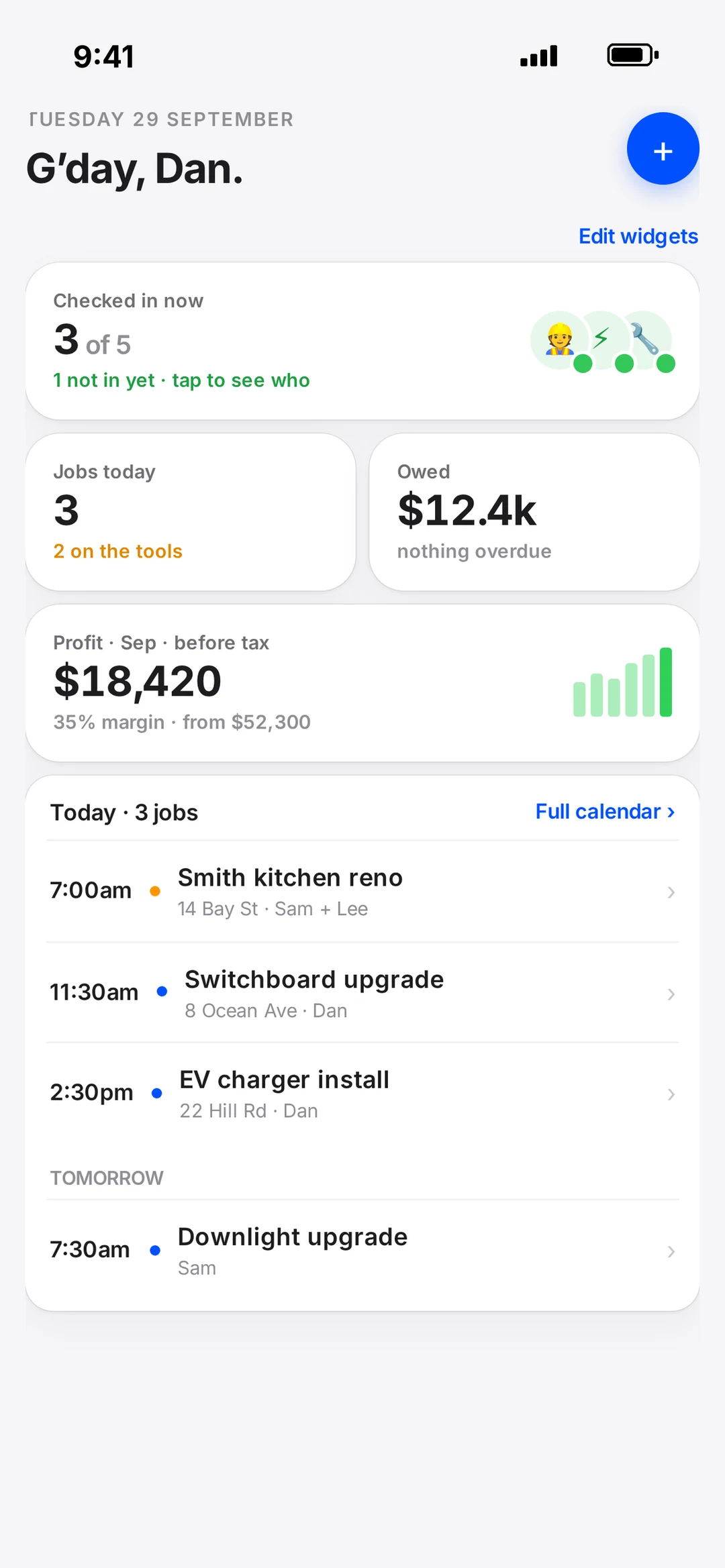
Accepted. Deposit, schedule, project — one tap each.
The moment they accept, robot asks three questions: send the deposit invoice from your payment schedule? Book it in? Make it a project (for the big ones)? Each is a tap, and a Xero draft invoice is waiting per stage.
Templates for the quotes you send every week. Schedule a send for 7am Monday instead of 10pm Sunday.
What’s included
Every quoting feature, by name.
- Electrical price list
- Loaded on day one — hundreds of items at your charge rates.
- Install + hourly pricing
- Different charge rates per item: install price and hourly price.
- Copper integration
- Market tracked in the app; one tap lifts every cable price.
- Brand options
- Swap the brand for a whole section at once.
- Setup charges
- Per-section charges for the first point on the job.
- Kits
- Bundle the parts and labour you always use together.
- CSV import / export
- Bring your spreadsheet in, take it out any time.
- Write with AI
- Drafts from your book. Never writes a price.
- Live web quote
- Branded page the customer taps to accept and e-sign.
- Optional add-ons
- Customer ticks them, totals update live.
- Promotions
- Discount or offer shown in a popup on the quote.
- Templates
- Save a quote shape and reuse it.
- Schedule a send
- Write it now, send it when it suits.
- Photos + video
- Site photos and a short clip on the quote.
- Opened / accepted push
- Know when they’re reading it and when they say yes.
- Next steps on accept
- Deposit invoice, schedule it, make it a project.
- Xero drafts
- A draft invoice per stage when the quote is accepted.
- AUD, GBP, NZD
- GST, VAT or neither — set once.
Quote with the brands you install every day








“The thing I didn’t realise is how many parts I constantly forgot to allow for when I’m pricing jobs. I’m honestly shocked seeing what I forgot to order.”
Quoting questions.
Do I have to build a price book before I can quote?
No. Start from robot’s own electrical price list — it’s already at your hourly rate once you set it. Add your own items as you go, or import a CSV if you’ve got one.
Does the AI set prices?
Never. Write with AI drafts lines from your own price book and only your price book. If an item isn’t in there, it won’t make one up. You see every line before anything is sent.
What does the customer see?
A branded web page on their phone: your logo, the lines, any optional add-ons they can tick, a promotion if you’ve set one, and an Accept button with e-signature. You’re told when they open it and when they accept.
Do I need a floor plan to quote?
No. Plan software is optional and sits alongside. Everyday jobs are quoted straight from the price book. When a builder hands you a PDF, mark it up and the quote comes off it.
Is there a quoting-only option?
Yes — robot Quote is $49/month ($29 for the first 3 months): the quote builder and price book, without the planner, jobs or crew tools. robot Plan is the whole app at $89/month inc GST, unlimited users.
Book a call
Want to see a quote go out?
Book 15 minutes with the robot team. Bring a job you’d normally quote on paper — we’ll build it together, from the price book, and you can accept it on your own phone.
- 15 minutes, on the phone
- Mornings before work or after 3pm
- Bring a real job — we’ll run it through robot together
Pick a day
Pick a time
Checking Jacob’s calendar…
15 minutes · Jacob calls you · times shown in Sydney time