Customer management
Running late?
The customer already knows.
Confirmations, reminders, on-my-way and running-late texts go on their own — in your name, in your words. It’s customer management without an office, and without an admin wage.
Works on every job, plan or no plan. Founding price — locked in for as long as you stay. New-signup pricing rises in 2027.
The On time? check
It asks the crew first.
A few minutes before the hour-before text is due, the crew on that job gets a push. Three buttons. On time or Late, the customer is told and you never hear about it. Can’t go, and you’re the one who’s told.
The hour-before text goes as planned.
Nothing else happens. That’s the point.
The running-late text goes. The booking moves.
Pick 15, 30 or more. The customer gets told in your words, and the calendar shifts to match.
The owner is told. The customer isn’t.
Some calls a human should make. This one is yours — but at least you know, in time.
The texts go on their own
Nobody rings you asking if you’re coming.
Booking confirmed. A reminder the day before at 4pm. Another an hour out. On my way, when the crew taps Start job. Job complete. Five texts per job that you never type — from your business name, in your words.
18 message templates, every one editable, with variables and a live preview so you can see what Sarah will see before anyone does.
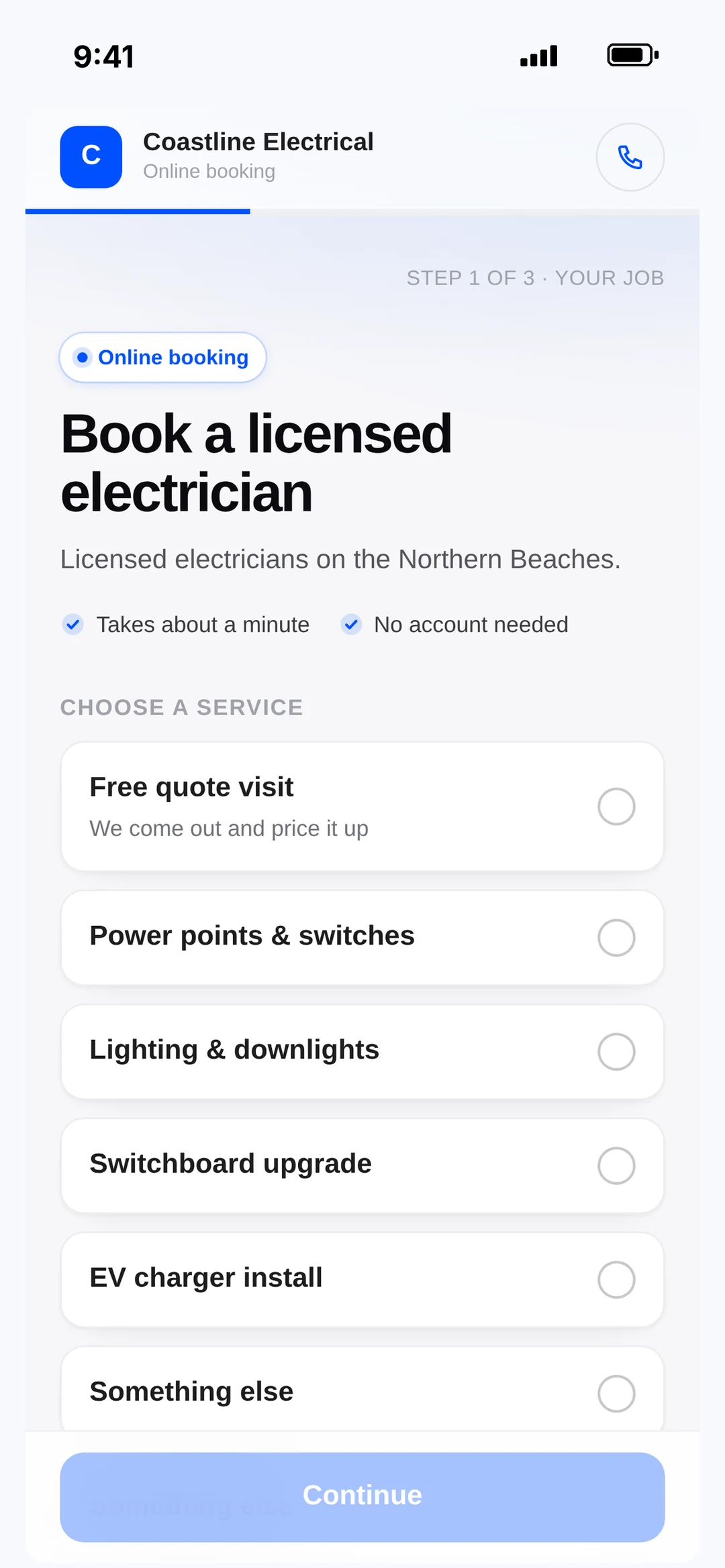
One inbox
Her reply, his email, the apprentice’s question. One thread each.
Customer SMS and email replies land in one chat inbox, threaded per customer with the quote, invoice or job attached — so you know what they’re replying to. Team chat sits alongside, in the same app.
A reply about a job notifies the crew on that job, not the whole company.
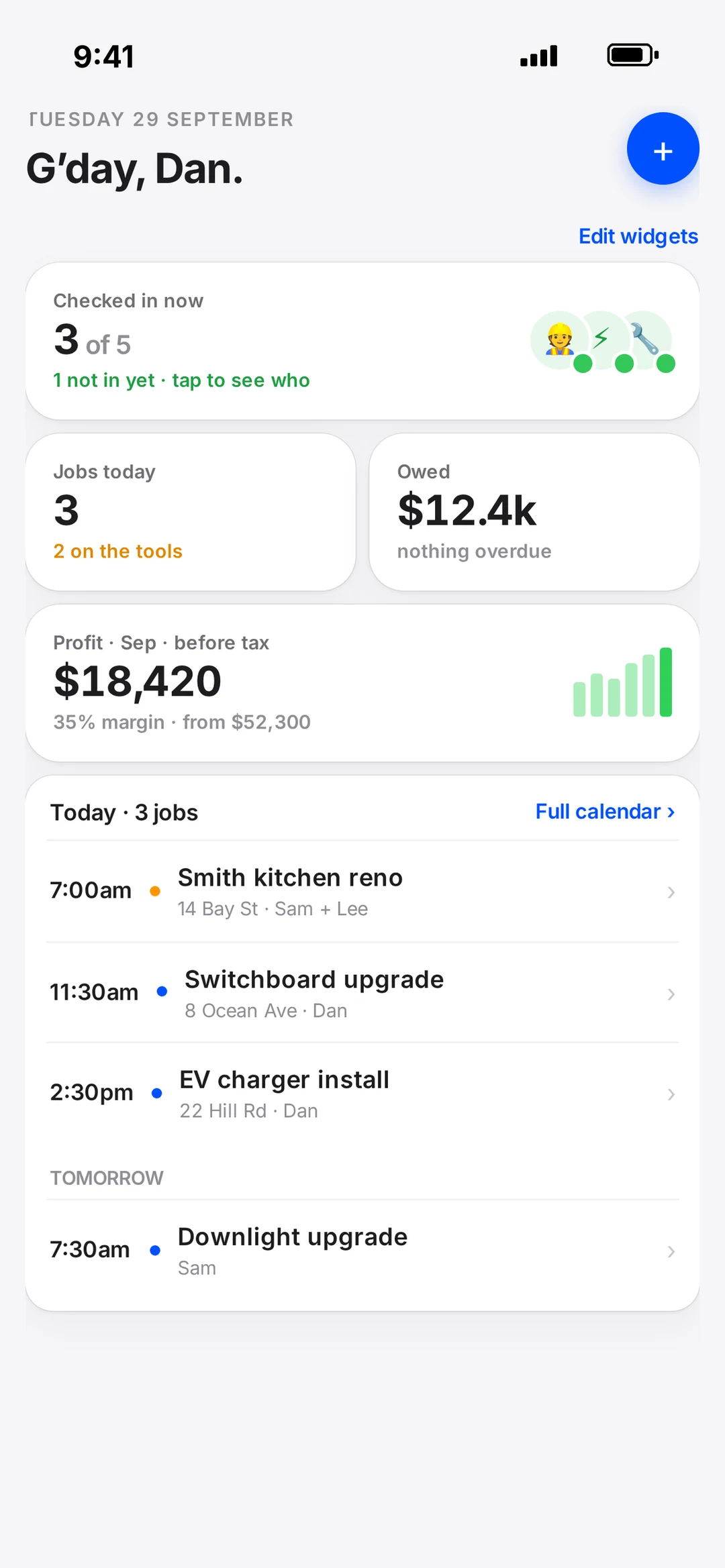
They book themselves
A booking page for your Instagram bio.
robotplan.com.au/book/your-name. Customers pick a time; you confirm it, or let the page book straight into a free slot. Take a booking deposit through robot Pay and it comes off the invoice.
The crew gets a push for every booking, move and reply — each one switchable, so the apprentice isn’t woken by the owner’s notifications.
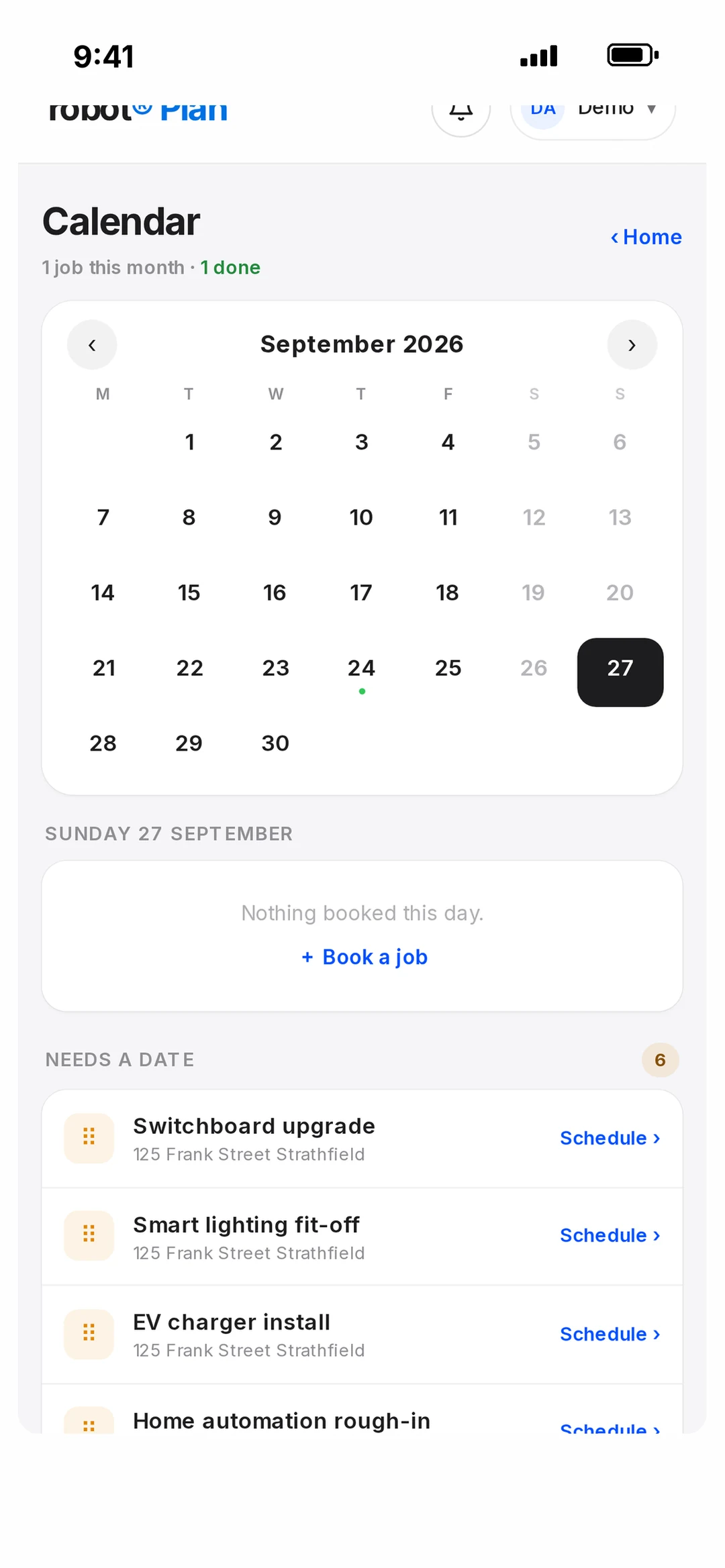
When things don’t go to plan
The days that used to cost you a customer.
Running late
robot asks the crew “On time?” before the hour-before text. Tap Late +15 and the customer gets a text — you didn't write it.
Can't make it
Tap Can't go. Nothing goes to the customer; the owner gets told so the job is moved, not missed.
Time moves
Drag the booking. The crew gets a push, the customer gets the new time.
A bill turns up
Wholesaler invoice emailed in, read, matched to the job. One question: extras, or included?
What’s included
Every customer feature, by name.
- Booking confirmed
- Sent the moment the job is booked.
- Day-before reminder
- 4pm the day before.
- Hour-before reminder
- With the On time? check first.
- On my way
- Toggle it on when the crew taps Start job.
- Job complete
- Closes the loop, opens the invoice.
- On time? check
- Push to the crew before the hour-before text.
- Late +N
- Sends the running-late text and moves the booking.
- Can’t go
- Tells the owner. Sends nothing to the customer.
- 18 templates
- Editable, with variables and live preview.
- One chat inbox
- Customer SMS + email replies, threaded per customer.
- Context attached
- Each thread carries the quote, invoice or job.
- Team chat
- In the same inbox.
- Booking page
- /book/your-handle — confirm mode or auto-slot.
- Booking deposit
- Via robot Pay, deducted on the invoice.
- Crew push notifications
- Each one switchable per person.
Customer questions.
What does the customer get when the crew is running late?
A text in your business name — “running about 15 minutes late, see you soon” — the moment the crew taps Late +15. The booking moves too, so the hour-before reminder doesn’t go out wrong. Nobody wrote the text.
What if we can’t make it at all?
The crew taps Can’t go. The customer gets nothing automatically — that call is yours to make. The owner is told straight away so the job gets moved, not missed.
Can I change the wording of the texts?
Every one of the 18 templates is editable, with variables for the customer’s name, time, job and your business, and a live preview. Write them the way you’d say them.
Does the customer need an app?
No. Everything reaches them as a normal text message or email. The quote, the invoice and the booking page all open in their browser.
Do I need a floor plan for any of this?
No. Plan software is optional and separate. Customer texts, the inbox and the booking page work on every job, plan or not.
Book a call
Want to get the texts yourself?
Book 15 minutes with the robot team. We’ll book you in as a customer so you can see every message land on your own phone.
- 15 minutes, on the phone
- Mornings before work or after 3pm
- Bring a real job — we’ll run it through robot together
Pick a day
Pick a time
Checking Jacob’s calendar…
15 minutes · Jacob calls you · times shown in Sydney time