It works in your real job system
A chatbot that only talks can’t book anything. Connected to robot Plan, your AI works on your actual jobs, quotes, invoices and calendar.
AI for electricians
robot Plan connects to the AI you already use. Ask Claude or ChatGPT to book a job, write a quote or draft an invoice and it does it in your robot Plan account, using your customers and your price list.
Free to join. Business tools free for 30 days — no card. Built in Sydney by robot, an electrical business.
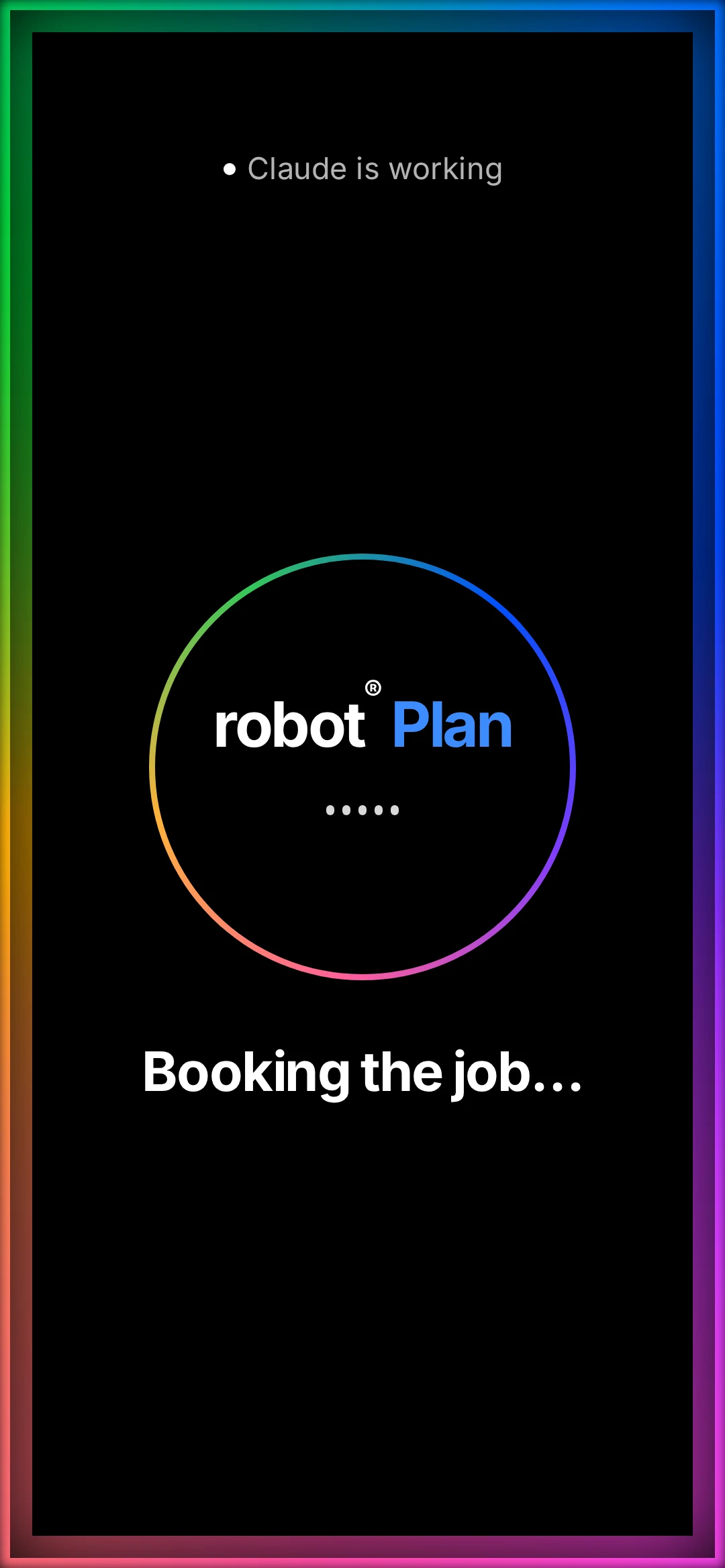
A chatbot that only talks can’t book anything. Connected to robot Plan, your AI works on your actual jobs, quotes, invoices and calendar.
Quotes and invoices are built from your own Pricing Library, so the numbers are yours and not a guess.
Your AI reads back who it’s going to, how much and how — email, text or both — and sends only when you say yes.
It searches your whole customer book by name, phone, email or address before it adds anyone new, and asks you when it isn’t sure.
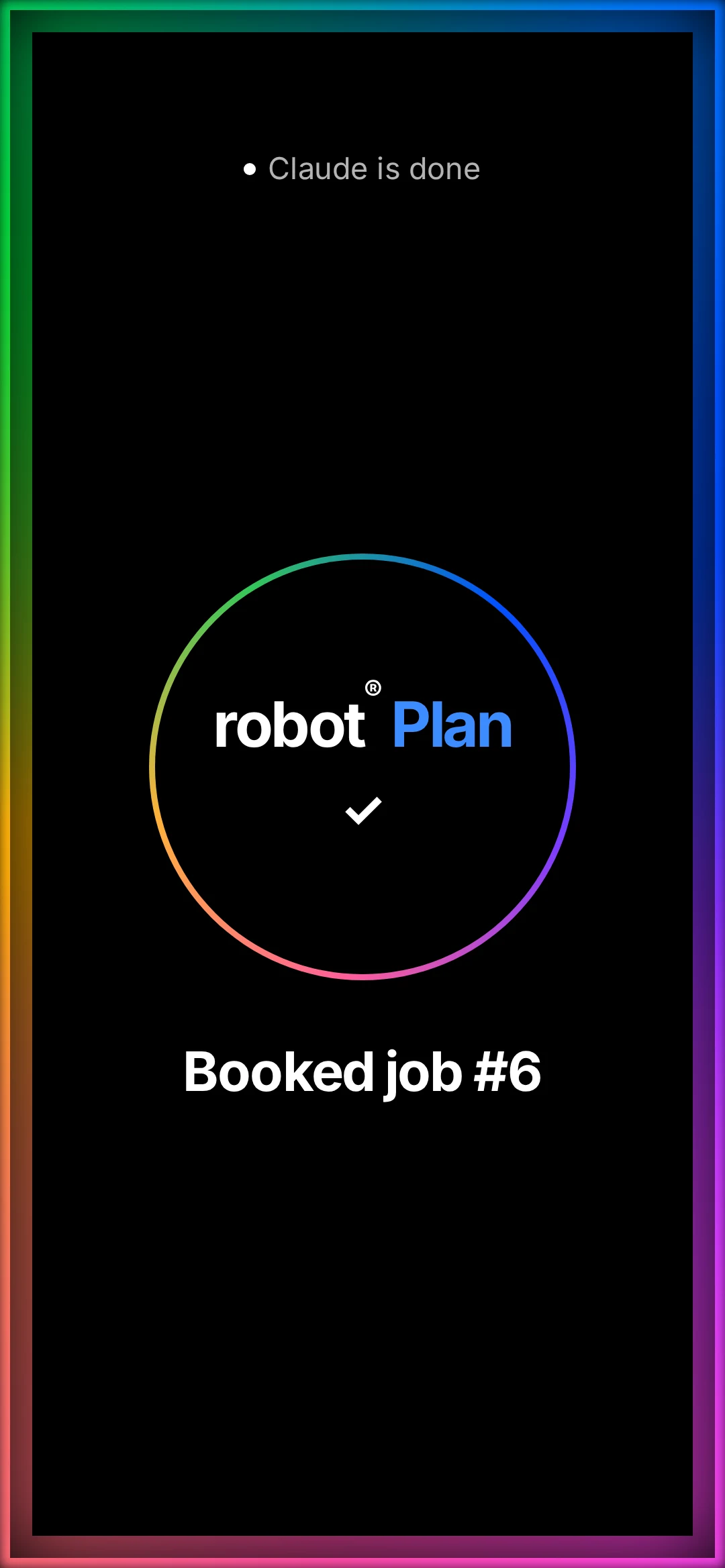
While your AI is doing something, your phone shows what it’s doing and gives you a link to open the result.
You choose whether it can only look things up or also create and change things, and you can disconnect it any time.
Works with
 Xero
 QuickBooksStripeApple PayGoogle Pay
 ServiceM8

It’s using an AI assistant to do the office side of an electrical business. With robot Plan, the AI you already use connects to your account and can book jobs, write quotes and draft invoices when you ask.
Claude and ChatGPT, and other AI apps that support custom connectors, such as Grok. Some ChatGPT plans and workplaces don’t allow custom connectors.
No. Before anything goes to a customer it reads back who it’s for, the amount and how it will be sent, and it only sends after you say yes. Quotes are still sent from the app.
The business owner. You choose whether it can only look things up or also create and change things, and you can disconnect it in Settings at any time.
No. Sophie is robot Plan’s built-in helper inside the app. Connect your AI is for using your own Claude or ChatGPT with your robot Plan account.
Joining is free — the community and all the training cost nothing, and you can make plans and quotes with limits. The business tools are free for 30 days with no card, then it’s one subscription with unlimited users. Current pricing is on the pricing page.
Book a call
Book 15 minutes with the robot team and we’ll connect an AI and run a job through it with you.
Pick a day
Pick a time
Checking Jacob’s calendar…
15 minutes · Jacob calls you · times shown in Sydney time